Clarify concepts
Ask Alfred about topics in your study context.
Study from Lecture Notes
Bring supported lecture notes into Alfred, work through concepts with Alfred and turn the same material into summaries, quizzes and flashcards.
Get started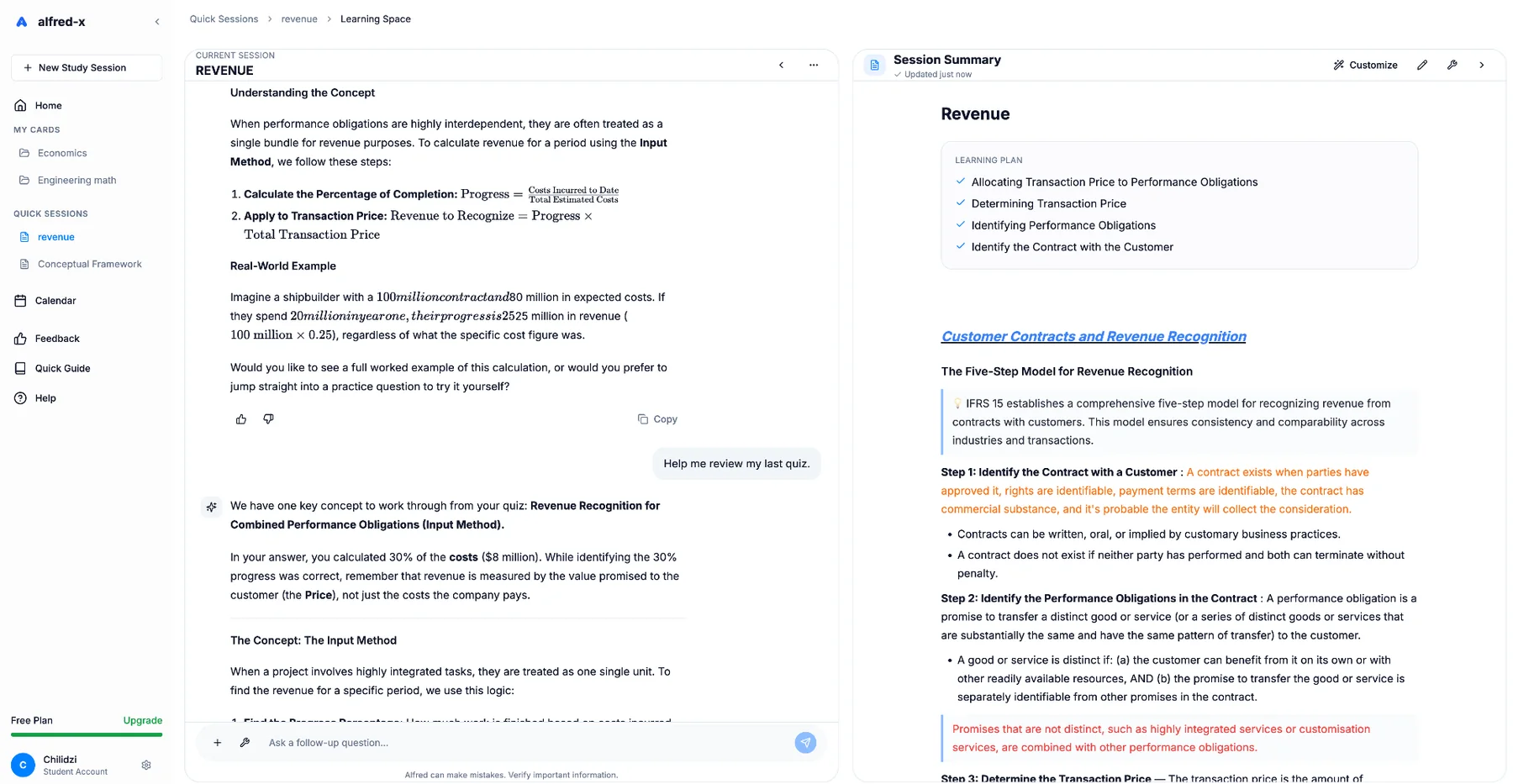
Alfred helps turn static notes into something you can interact with instead of rereading the same pages.
Ask Alfred about topics in your study context.
Build a quicker reference.
Create quizzes around the concepts.
Generate flashcards from the same context.
Step 01
Upload supported lecture material.
Step 02
Use explanations and summaries.
Step 03
Generate quizzes or flashcards.
The Alfred difference
You should not have to explain the course again every time you switch study modes.
Yes. Supported lecture notes and documents can be added as course material.
Yes, using the learning context created from supported material.